
Your audience
Every fan you've captured in one place, with filters and a one-click export.
The audience page#
Audience shows every fan captured across all of that artist's links, bio pages and gates. Each row records the address, where it came from, which page captured it and when.
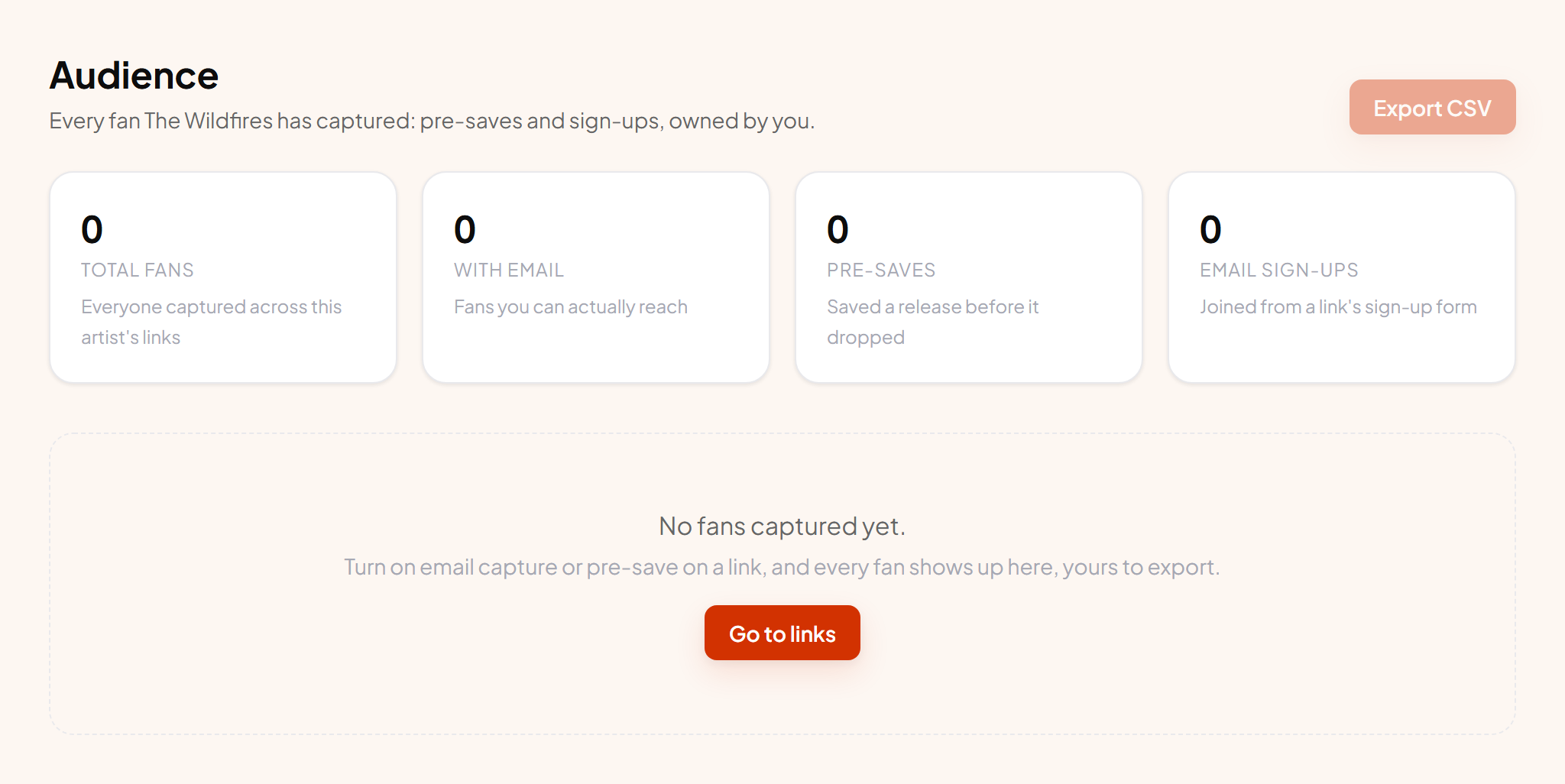
The four totals#
| Number | Meaning |
|---|---|
| Total fans | Everyone captured, including pre-saves that shared no address. |
| With email | The ones you can actually contact. This is the number that matters. |
| Pre-saves | Fans who saved a release before it dropped. Your warmest audience. |
| Email sign-ups | Fans who typed their address into a form. |
Finding people#
Search by address, or filter to pre-saves or sign-ups only. Fans by link down the side shows which pages are actually doing the work, which is usually more surprising than people expect.
Exporting#
Export CSV downloads the full list with the address, source, status, country, the page that captured them and the date. It opens in any spreadsheet and imports into any email tool. There is no export fee, no queue and no support ticket.
Export needs Indie or above. On Free you can see and use the list in the dashboard, up to 100 contacts.
What to do with it#
- 1 Mail them on release day The single highest-value use. These people asked to hear about this.
- 2 Build an ad audience Upload the CSV to Meta or TikTok as a custom audience, then build a lookalike from it. This usually outperforms interest targeting for music.
- 3 Sync it automatically Connect Mailchimp or Kit so new fans arrive without you exporting anything.